August 21, 2025
Modern ORM with Prisma: Type Safety, Migrations, and Performance

Modern ORM with Prisma: Type Safety, Migrations, and Performance
Prisma solves long‑standing ORM challenges with a modern outlook that speeds up development. Thanks to its schema‑first approach, you define models and relations in a single file and generate a type‑safe client from it. Queries become more readable while errors are caught at compile time. With support for PostgreSQL, MySQL, SQLite, and MongoDB, you can manage multiple databases through one schema. Even if you switch between PostgreSQL and MongoDB, your access pattern to a table remains consistent, keeping developer experience (DX) stable. Versioned and reversible migrations, plus Prisma Studio for visual inspection, are major advantages. Smooth integration with ecosystems like NestJS and Fastify further levels up ease of use.
In this guide we’ll take a practical look at Prisma: schema definition, migrations and seeding, minimal data fetching, relation pitfalls, pagination strategies, indexing and query optimization, transactions and error handling, testing strategies, and environment setup. The goal is to help you bootstrap quickly for small projects and build a sustainable data layer for large‑scale scenarios.

What Makes Prisma Different?
Prisma brands itself as a “next‑gen ORM” because it removes the lack of type safety and the heaviness of many traditional ORMs. By generating a type‑safe client, compile‑time errors and IDE autocomplete make development faster and more reliable.
It also simplifies migration management. With a schema‑based approach, database changes are driven from one file and applied via Prisma CLI. That keeps the schema consistent and traceable across teams.
Core Building Blocks
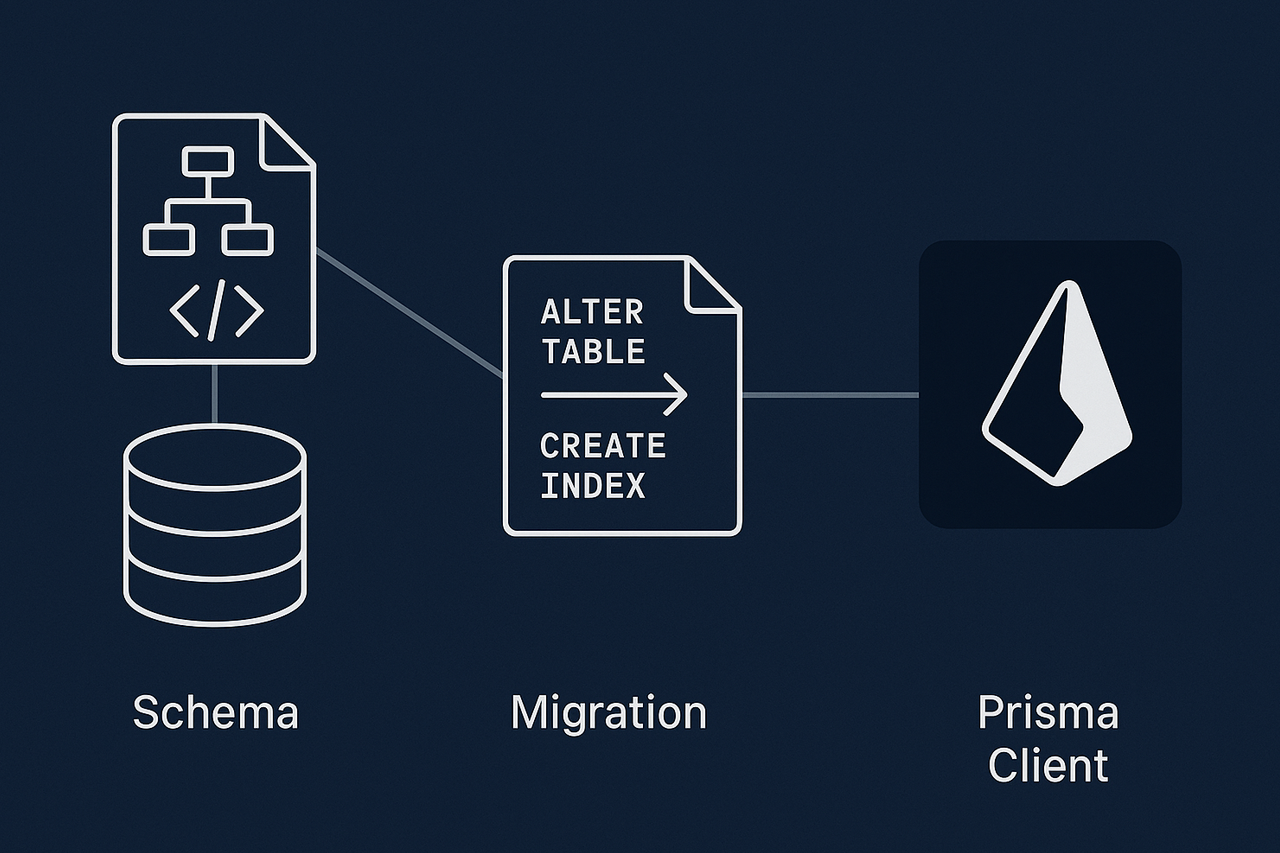
1. Prisma Schema
At the heart of Prisma is the schema.prisma file. You define models, fields, and relations here. It describes both your DB structure and how Prisma Client should be generated. You can create tables, relations, and enums in one place.
Example:
model User {
  id    String @id @default(cuid())
  email String @unique
  posts Post[]
}

model Post {
  id      String @id @default(cuid())
  title   String
  content String?
  userId  String
  user    User @relation(fields: [userId], references: [id])
}
This models a one‑to‑many relationship between User and Post.
2. Migration System
Prisma automatically generates SQL migrations from schema changes. Use prisma migrate dev in local development to create and apply new migrations.
- Migrations are versioned and tracked.
- They can be rolled back when needed.
- Sharing via version control keeps database structure consistent across the team.
Commands:
npx prisma migrate dev --name add_user_model
npx prisma migrate deploy
3. Prisma Client
A type‑safe client is generated from the schema. With TypeScript/JavaScript, IntelliSense provides autocompletion and compile‑time checks.
Usage:
const user = await prisma.user.findUnique({
  where: { email: "test@example.com" },
  include: { posts: true },
});

console.log(user?.posts);
Since posts is declared in the schema, you get proper types automatically.
Working with Type Safety

In many ORMs, queries are string‑based, so errors appear at runtime. A mistyped table or field name fails only when the query runs—harder to debug and risky in production.
Prisma generates a type‑safe client based on your schema, surfacing errors at compile time. In large projects this significantly improves reliability. Autocomplete also accelerates query authoring and reduces mistakes.
Example:
// Suppose there is no "name" field in the User model
const user = await prisma.user.findUnique({
  where: { email: "test@example.com" },
});

console.log(user.name);
TypeScript will fail at compile time because name isn’t a field of User.
Queries are also more readable:
const posts = await prisma.post.findMany({
  select: {
    id: true,
    title: true,
  },
});
Inferred type of posts:
Array<{
  id: string;
  title: string;
}>
No extra typing needed.
Migrations and DB Management

A strong point of Prisma is how developer‑friendly it makes migrations. Instead of hand‑rolled scripts and environment drift, Prisma watches your schema.prisma and generates SQL migrations automatically.
prisma migrate dev
Used locally. After schema changes, run this to create and apply a new migration. Files are versioned, so everyone shares the same DB state.
npx prisma migrate dev --name add_user_table
prisma migrate deploy
Use this in production to safely apply pending migrations in order. Don’t use migrate dev in production because it can reset tables during development flows.
npx prisma migrate deploy
Seeding
You can also manage seed data. When an app boots for the first time you might need initial values (countries, roles, an admin user, etc.). Create prisma/seed.ts and add your bootstrap data.
// prisma/seed.ts
import { prisma } from '../src/prisma';

async function main() {
  await prisma.user.create({
    data: {
      email: "admin@example.com",
      password: "hashedPassword",
    },
  });
}

main()
  .then(() => console.log("Seeding completed"))
  .catch((e) => console.error(e))
  .finally(async () => {
    await prisma.$disconnect();
  });
Run:
npx prisma db seed
This keeps dev, test, and prod environments aligned with consistent initial data.
Performance & Best Practices

Solving the N+1 Problem
A common pitfall is the N+1 query problem. Fetch 10 users and then fetch posts per user and you’ve executed 11 queries in total—slow!
Use include or select to solve it:
Bad – N+1
const users = await prisma.user.findMany();
for (const user of users) {
  const posts = await prisma.post.findMany({ where: { userId: user.id } });
}
Good – using include
const users = await prisma.user.findMany({
  include: {
    posts: true,
  },
});
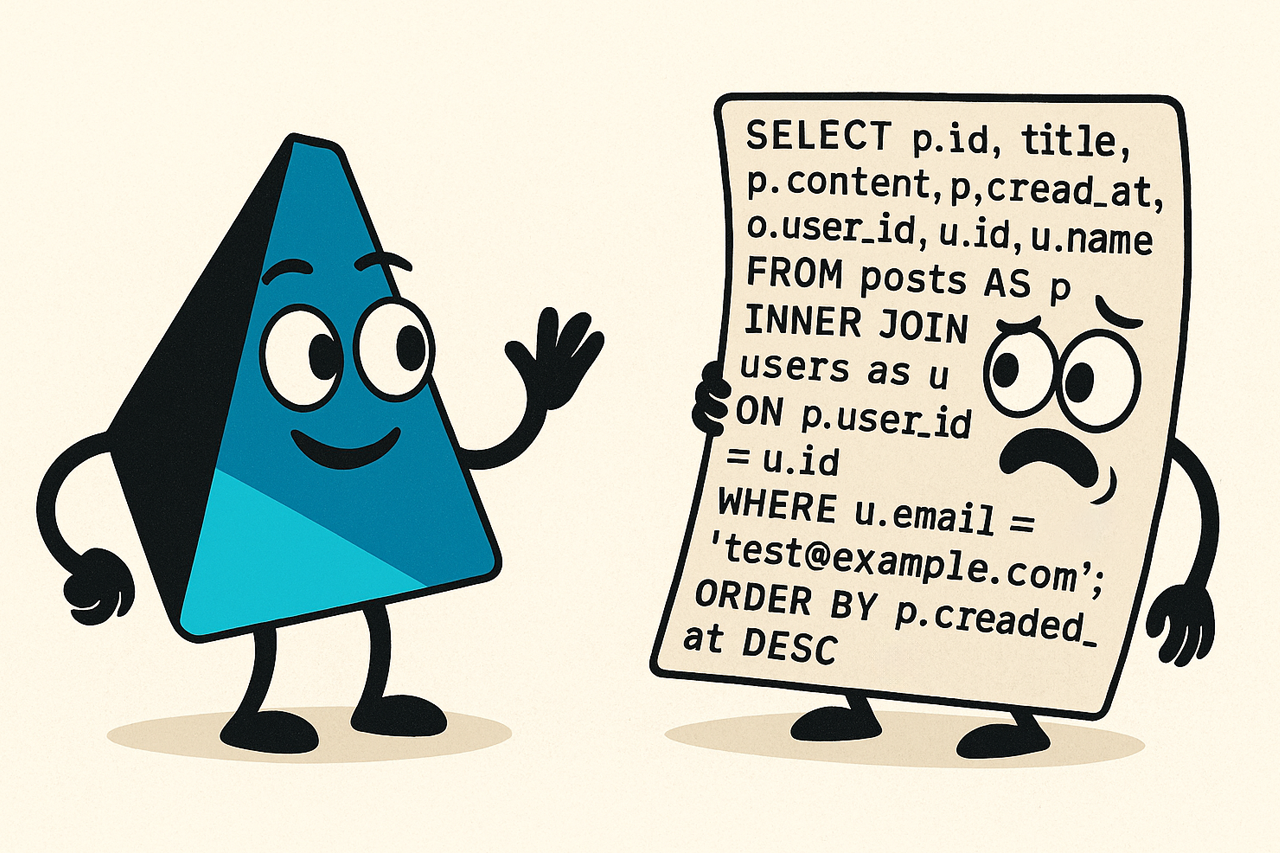
This compiles to a single JOIN:
SELECT
  u."id" as user_id,
  u."email" as user_email,
  p."id" as post_id,
  p."title" as post_title,
  p."content" as post_content
FROM "User" u
LEFT JOIN "Post" p ON u."id" = p."userId";
Projection with select
const users = await prisma.user.findMany({
  select: {
    id: true,
    email: true,
    posts: {
      select: { id: true, title: true },
    },
  },
});
Only needed columns are fetched:
SELECT
  u."id" as user_id,
  u."email" as user_email,
  p."id" as post_id,
  p."title" as post_title
FROM "User" u
LEFT JOIN "Post" p ON u."id" = p."userId";
Connection Pooling
In serverless (Vercel, Cloudflare Workers, etc.), opening a DB connection per request leads to “too many connections”.
Prisma’s Data Proxy provides connection pooling and better scalability/latency.
npx prisma generate --data-proxy
Use the proxy URL instead of DATABASE_URL in .env.
Indexing & Query Optimization
Prisma supports indexes from the schema:
model Post {
  id       String @id @default(cuid())
  title    String @db.VarChar(255)
  content  String?
  userId   String

  @@index([title])
  @@index([userId])
}
Seeing the SQL Prisma Generates
1) DEBUG environment variable
DEBUG="prisma:query" node index.js
Or in package.json:
"scripts": {
  "dev": "DEBUG=prisma:query ts-node src/main.ts"
}
2) Query events
prisma.$on('query', (e) => {
  console.log('Query: ' + e.query);
  console.log('Params: ' + e.params);
  console.log('Duration: ' + e.duration + 'ms');
});
3) EXPLAIN / ANALYZE
EXPLAIN ANALYZE
SELECT * FROM "User" u
LEFT JOIN "Post" p ON u."id" = p."userId";
Prisma in the Ecosystem

NestJS Integration (PrismaService)
A typical pattern is to wrap Prisma Client in an injectable PrismaService:
// prisma.service.ts
import { Injectable, OnModuleInit, OnModuleDestroy } from '@nestjs/common';
import { PrismaClient } from '@prisma/client';

@Injectable()
export class PrismaService extends PrismaClient implements OnModuleInit, OnModuleDestroy {
  async onModuleInit() {
    await this.$connect();
  }

  async onModuleDestroy() {
    await this.$disconnect();
  }
}
Use it via dependency injection:
@Injectable()
export class UserService {
  constructor(private prisma: PrismaService) {}

  async findAll() {
    return this.prisma.user.findMany();
  }
}
Next.js API Routes
Prevent multiple client instances during hot reload:
// lib/prisma.ts
import { PrismaClient } from "@prisma/client";

const globalForPrisma = global as unknown as { prisma: PrismaClient };

export const prisma =
  globalForPrisma.prisma ||
  new PrismaClient({
    log: ["query", "error", "warn"],
  });

if (process.env.NODE_ENV !== "production") globalForPrisma.prisma = prisma;
Use in an API route:
import { prisma } from "@/lib/prisma";

export default async function handler(req, res) {
  const users = await prisma.user.findMany();
  res.json(users);
}
Prisma + AI / RAG

Prisma is great for metadata management in AI systems:
- Embeddings live in Pinecone/Weaviate/Postgres
pgvector. - Metadata (user info, sources, tags, permissions) stays in Prisma with type safety.
Example:
model Document {
  id        String   @id @default(cuid())
  title     String
  content   String
  source    String
  createdAt DateTime @default(now())

  // reference to the vector DB id
  vectorId  String
}
Workflow:
- Keep vectors external; manage metadata via Prisma.
- Fetch metadata first, then query the vector DB by
vectorId.
Conclusion
Prisma reimagines the ORM with a developer‑first stance. Type safety, powerful migrations, and a schema‑driven workflow streamline daily development and boost reliability. It’s suitable for both rapid prototyping and large‑scale systems that need safe migrations, strong relational modeling, and a sustainable data layer. Especially with NestJS and AI integrations, Prisma becomes a strategic tool in modern software projects.